


Files0
Purpose-built previewfile size savings comparison
qualityestimated file size
Good for these tasks
PNG/JPG to WebP is more than one action.
Batch convert PNG/JPG to WebP These examples show common paths from input to delivery.
Improve compatibility
Convert images to formats accepted by the destination.
Reuse content
Move between images and documents for editing or sharing.
Protect privacy
Inspect metadata or clean content before sharing.
Complete PNG/JPG to WebP in four steps
The workspace comes first; use this section when you need the full process.
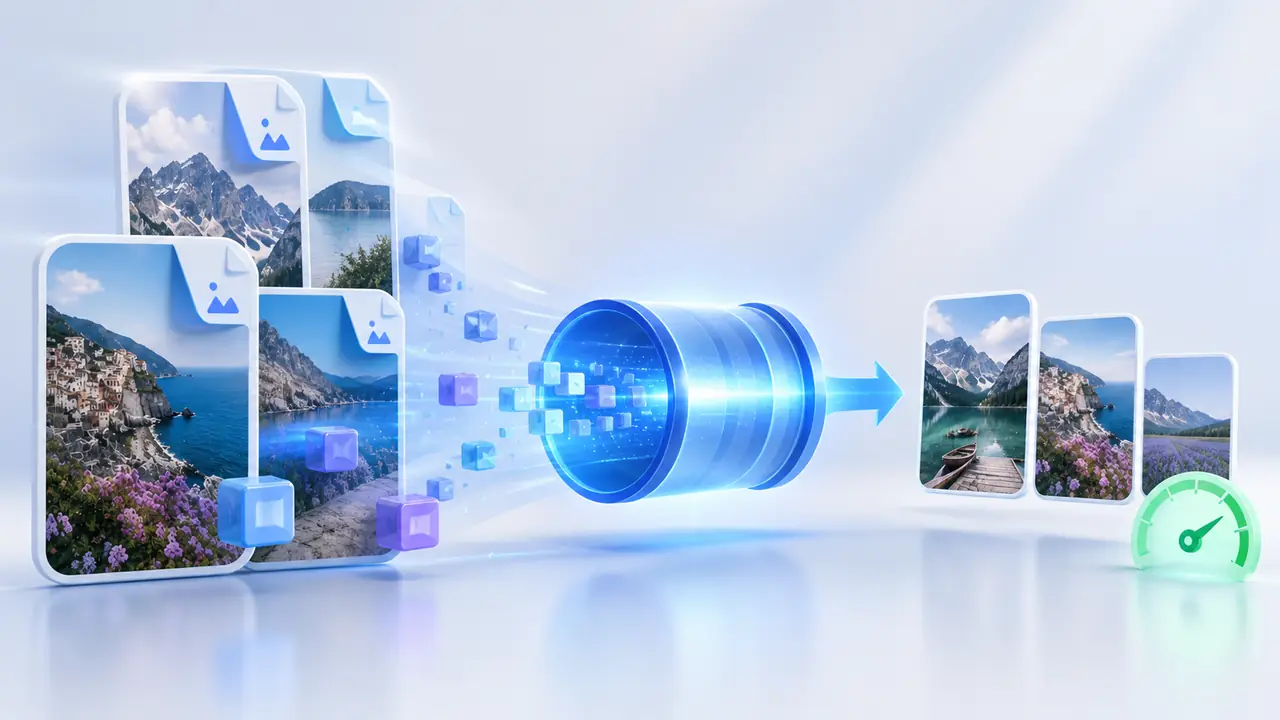
- 01Import files
Accepts PNG、JPG、JPEG.
- 02Confirm settings
Review the 2 available setting groups.
- 03Start PNG/JPG to WebP
Processing runs in this browser. Keep the page open.
- 04Download WEBP
The result is WebP 图片. Check its name and content before download.
Capabilities and limits
What should you know first?
Check processing location, input limits and output before you begin.
- ProcessingLocal
Files stay on this device
- File scopeBatch supported
PNG、JPG、JPEG
- Adjustments2 setting groups
Live workspace preview
- Final outputWEBP
WebP 图片
Next step
View all in this categoryA related tool may fit better
SVG to PNG/JPGAnother option for the same type of task. · Local→HEIC to PNG/JPGAnother option for the same type of task. · Local→WebP to PNG/JPGAnother option for the same type of task. · Local→AVIF to PNG/JPGAnother option for the same type of task. · Local→JPG/PNG to SVGAnother option for the same type of task. · Hybrid→


