Online PDF Editor

Double-click to edit existing PDF text in your browser without uploading the file. Replace images, add annotations, then sign in to download and review.

  • No upload required to edit
  • One PDF at a time
  • Download and reopen to review
  • PDF editing is free for a limited time. Sign-in required.

Preparing the editor…

ProcessingLocalFiles stay on this device
Accepted inputPDFSingle file
WorkflowSingle fileLive workspace preview
OutputPDFEdited PDF
Good for these tasks

Online PDF Editor is more than one action.

Double-click to edit existing PDF text in your browser without uploading the file. Replace images, add annotations, then sign in to download and review.

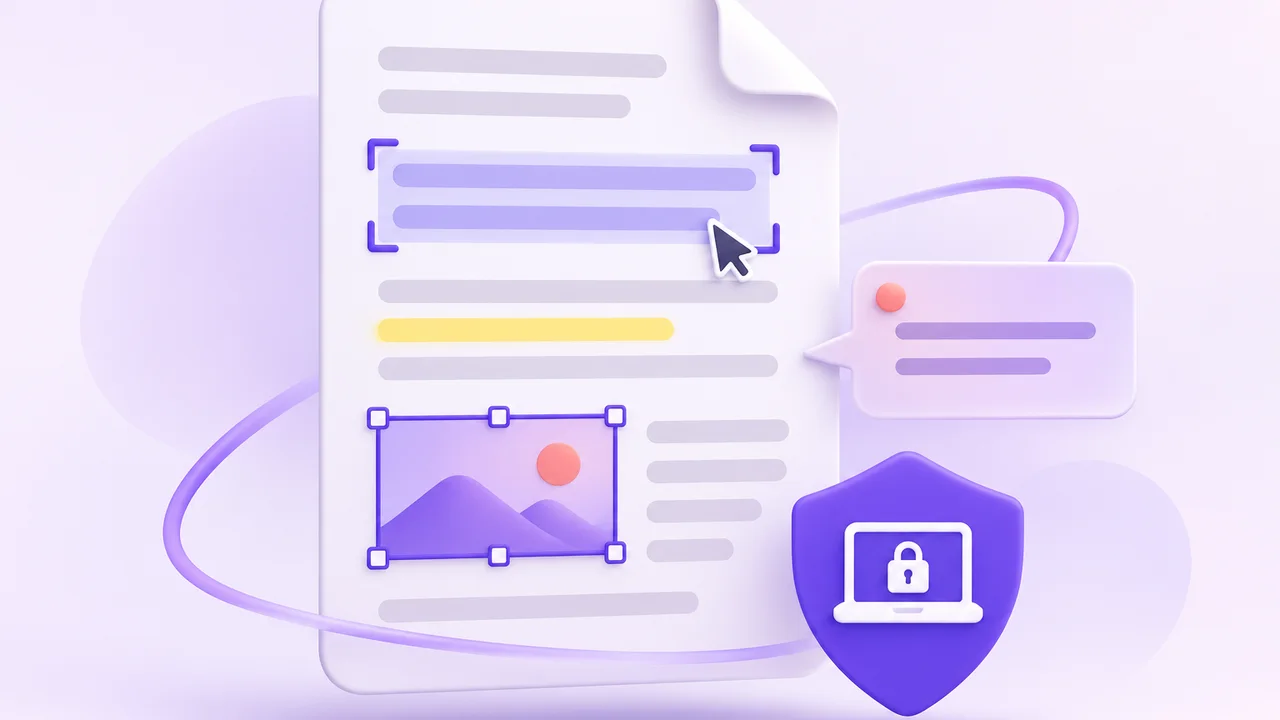
PDF page with text selection, image, annotation and local-processing cues
01
Revise contract text

Select an existing text block to fix a typo or revise a clause, then check the surrounding layout.

02
Replace an existing image in a PDF

Select the original image in your report, choose Replace image in the properties panel, and check the new image’s position and size.

03
Review and annotate

Move between reading, annotation and editing tasks, then check the downloaded PDF.
Steps

How to edit existing PDF text in your browser

The workspace comes first; use this section when you need the full process.

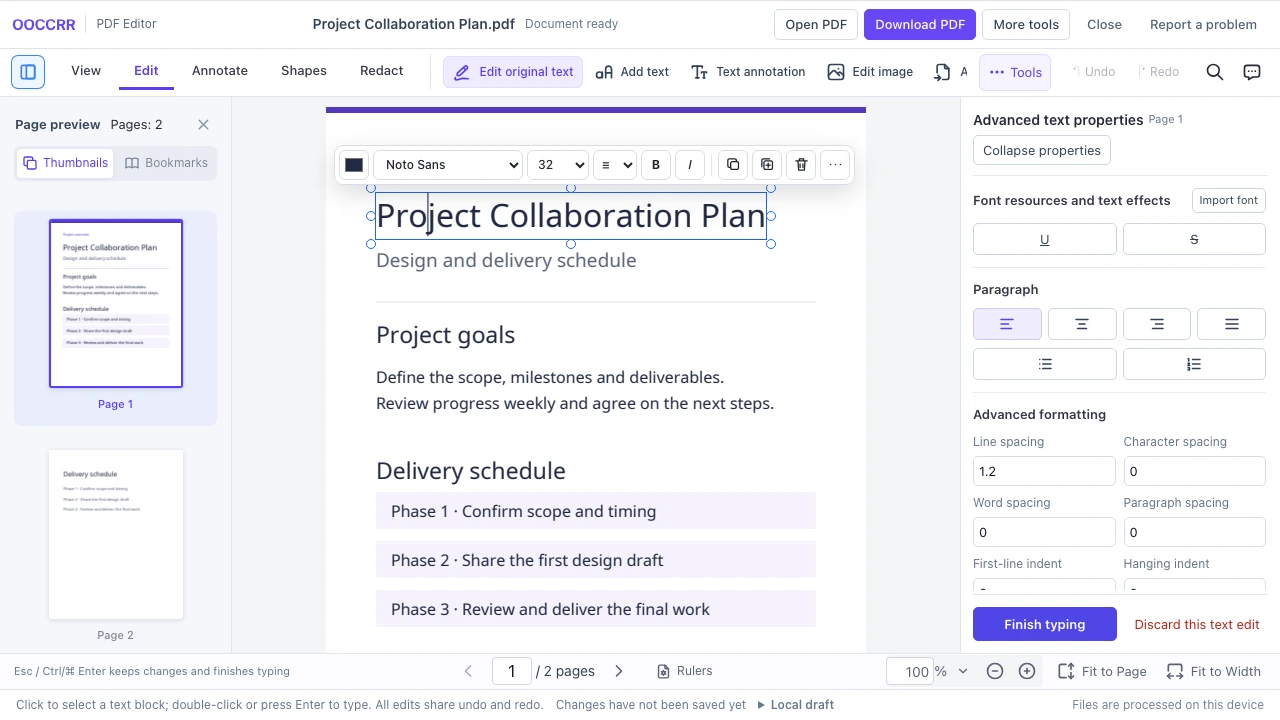
Selected text block in the PDF editor with font and size controls above it and advanced text properties on the right
  1. 01
    Open one PDF

    The file stays in this browser. Confirm that the document is complete and yours to edit.

  2. 02
    Select a text block

    Switch to Edit mode and select an existing text block. Double-click or press Enter to type.

  3. 03
    Edit the text

    After typing, press Esc to keep your changes and return to block selection. Check the font and layout.

  4. 04
    Download and review

    You can open and edit files without signing in. Sign in to download your edited PDF, then reopen it to check your changes.

Capabilities and limits

What should you know first?

Check processing location, input limits and output before you begin.

  • 01The file is processed locally in this browser; the original is not uploaded.
  • 02Edit one PDF at a time and keep the original until you review the download.
  • 03Available settings depend on the selected object and document permissions.