


Files0
Purpose-built previewOriginal and target sizes
original sizetarget size
Good for these tasks
PDF Page Size to A4/Letter is more than one action.
Normalize page size with preview/export consistency These examples show common paths from input to delivery.
Deliver documents
Convert, edit or lay out files for the recipient.
Build an archive
Standardize page order, format and privacy settings.
Check before printing
Preview pages and output rules before download.
Complete PDF Page Size to A4/Letter in four steps
The workspace comes first; use this section when you need the full process.
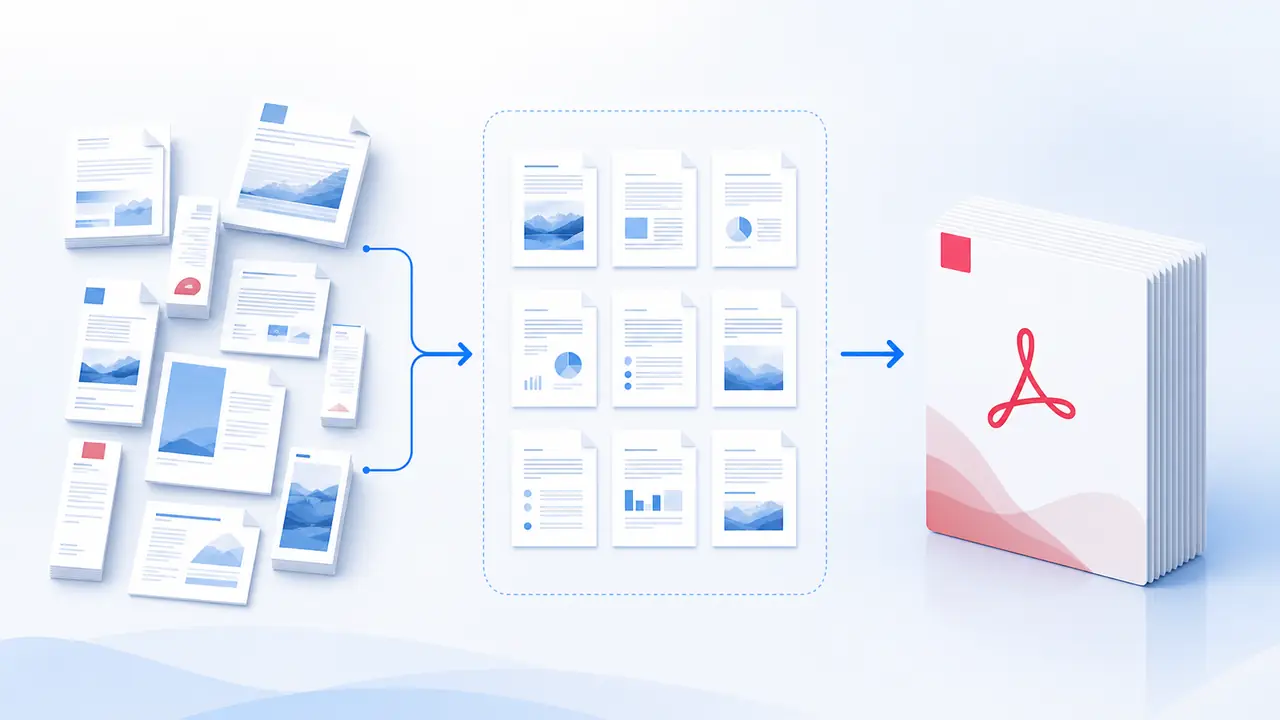
- 01Import files
Accepts PDF.
- 02Confirm settings
Review the 4 available setting groups.
- 03Start PDF Page Size to A4/Letter
Processing runs in this browser. Keep the page open.
- 04Download PDF
The result is 统一尺寸后的 PDF. Check its name and content before download.
Capabilities and limits
What should you know first?
Check processing location, input limits and output before you begin.
- ProcessingLocal
Files stay on this device
- File scopeBatch supported
PDF
- Adjustments4 setting groups
Live workspace preview
- Final outputPDF
统一尺寸后的 PDF
Next step
View all in this categoryA related tool may fit better
Delete PDF PagesAnother option for the same type of task. · Local→Rotate PDFAnother option for the same type of task. · Local→Auto Correct PDF Orientation (AI)Another option for the same type of task. · Local→Add Page NumbersAnother option for the same type of task. · Local→PDF Bates Numbering ProAnother option for the same type of task. · Local→


